Powerful data privacy and enhanced productivity for a leading KPO service provider
One of India’s largest BPO/KPO organizations needed to ensure the security of the highly sensitive healthcare data under their management.
Manage and enforce device security configurations from a single, unified dashboard to ensure consistent, organization-wide compliance and streamlined administration across every endpoint, regardless of its operating system.

Centralized Device Policy Governance allows organizations to define and enforce device configurations from one place instead of managing settings machine by machine. This ensures consistent security, minimizes misconfigurations, and provides clear visibility into how devices operate across the organization.
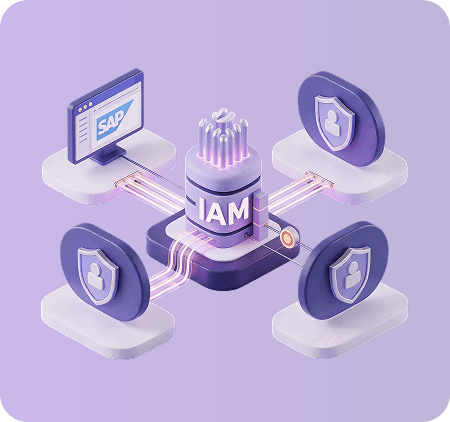
Akku delivers this important security functionality through cloud-based controls that manage access, restrict risky behaviors, and maintain trustworthy device configurations across all user environments.
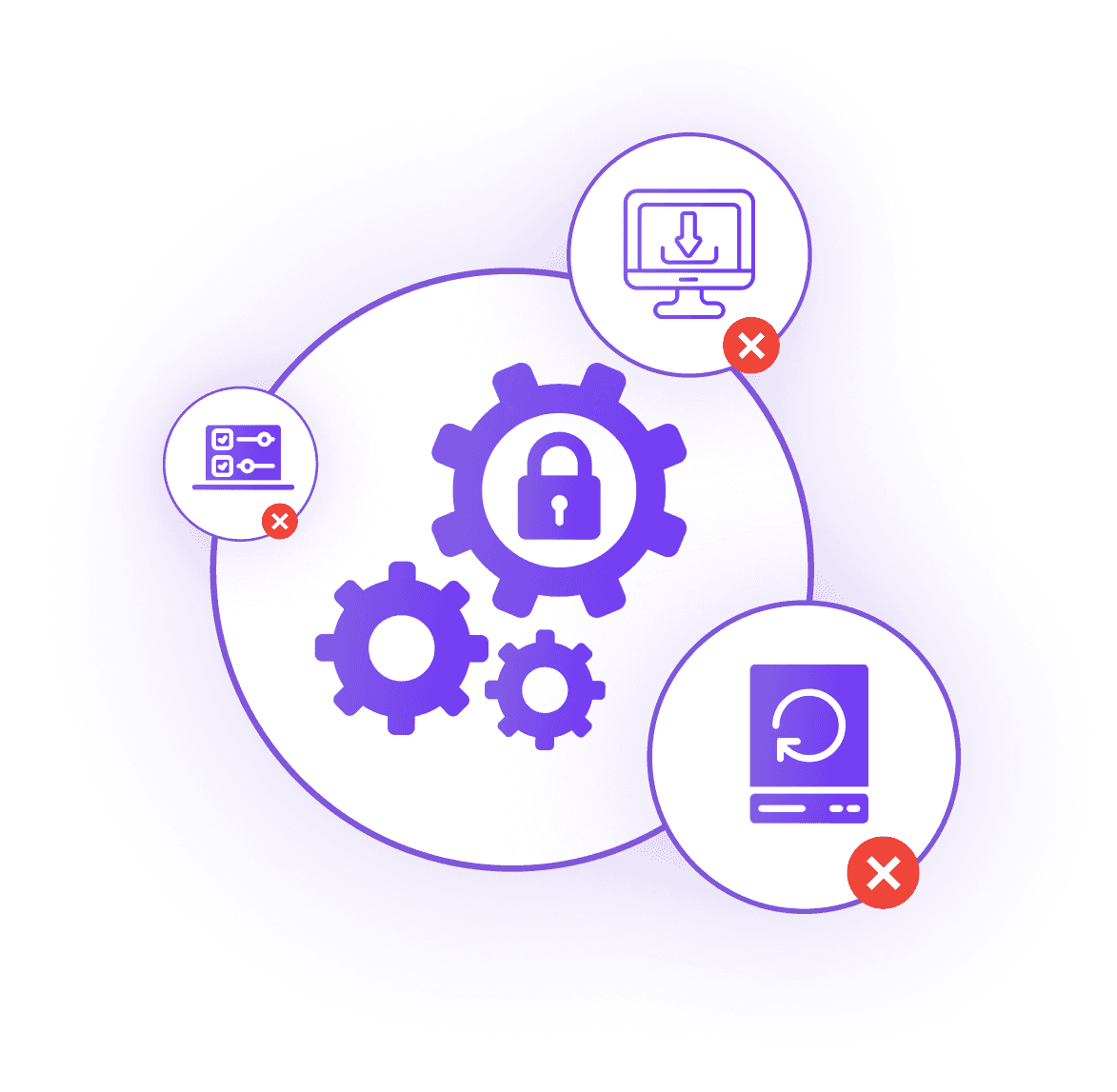
Control how endpoints interact with external hardware, executable content, and more, by enforcing strict access rules. Block unauthorized peripherals, unsafe downloads, and unapproved applications from compromising device integrity.
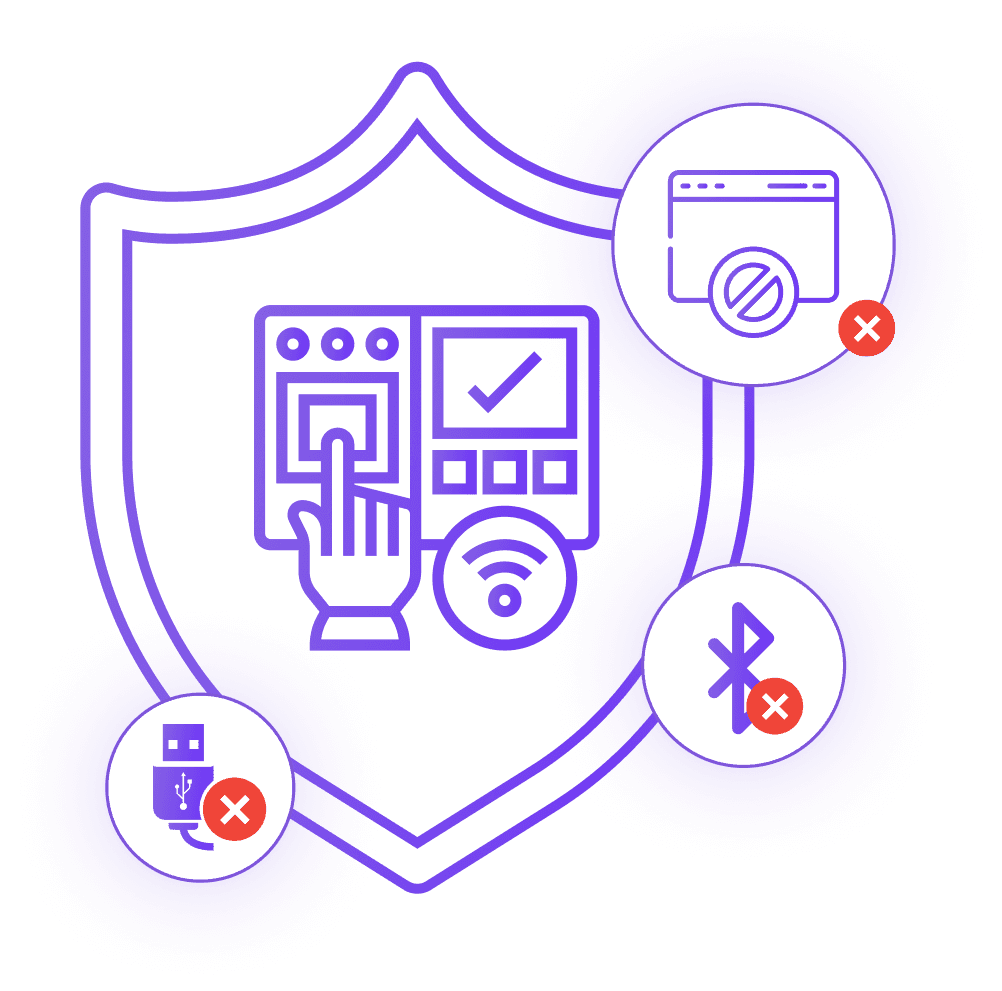
Reduce the risk of data exposure by limiting how information can be captured or reproduced. Block sensitive actions like screen capture, clipboard use, and access to communication peripherals to maintain data security across endpoints.
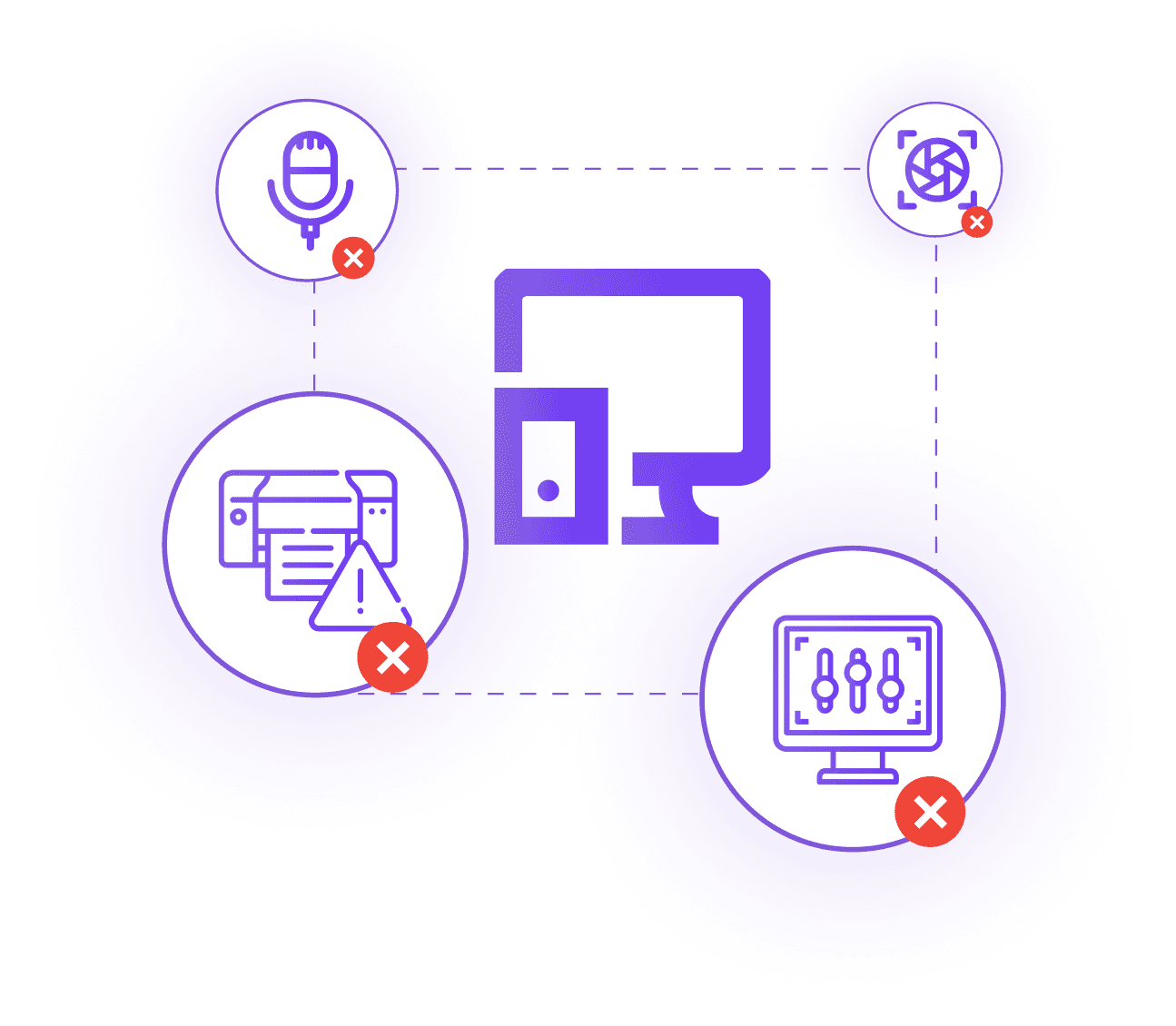
Ensure safer connectivity by managing how devices access networks and online resources. Restrict unsafe domains, prevent personal hotspot usage, and enforce consistent internet controls across distributed teams
Protect sensitive information on employee devices by controlling where and how data is stored or moved. Restrict sharing, copying, and access to unapproved storage paths to prevent data leakage.
Maintain consistent and secure device configurations by preventing unauthorized system changes. Control access to key utilities and settings to keep endpoints compliant and tamper-resistant.